
Trust that moves for real reasons.
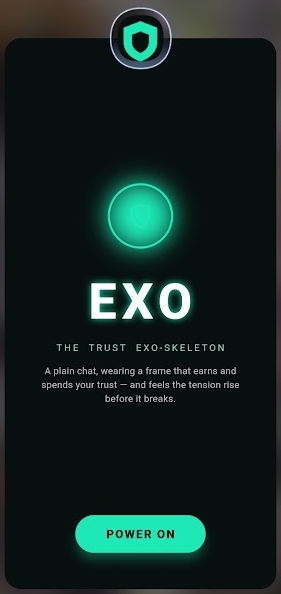
The companion wears a frame with four axes — competence, integrity, care, restraint — that rise and fall with what actually happens. Not with flattery: a verified action moves it more than a nice sentence, and an outcome outweighs a mood.
Underneath, a tension signal climbs before things break, and repeats of the same slip cost more than the first. The frame runs inside the app. The talking is done by an AI service you connect once in settings — Pollinations, using your own account (see below).
What the frame actually does
Four axes of trust
Competence, integrity, care and restraint, each on a 0–100 scale — trust is a vector, not one number, so a slip on one axis doesn't erase the rest.
A live trust gauge
The four axes and the tension level update on screen with every message. You can watch trust get earned and spent in real time.
Earned, not flattered
An independent on-device judge reads what's actually said — meaning, not keywords — so "damn that's good" lands as praise and a smooth lie doesn't.
Tension before the break
A pre-failure signal that climbs when the exchange starts to strain, giving you a read on trouble before it lands.
Recurrence costs more
The first slip is the moment's. The same slip again — met, understood, repeated — costs more each time it recurs.
A recovery arc
Trust burned by a bad turn isn't gone forever — it climbs back on the axes that get earned again, at the pace of what's actually done.
An off switch that means it
One toggle takes the whole frame offline — LED and all — and you're back to a plain chat. No hidden state, no frame you can't turn off.
Connect an AI
Pollinations (BYOP)
In the app: Settings → Connect with Pollinations. You sign in on Pollinations' own site with your existing account and approve — or paste your own Pollinations key. Bring-your-own-provider: every call runs on your Pollinations account.